
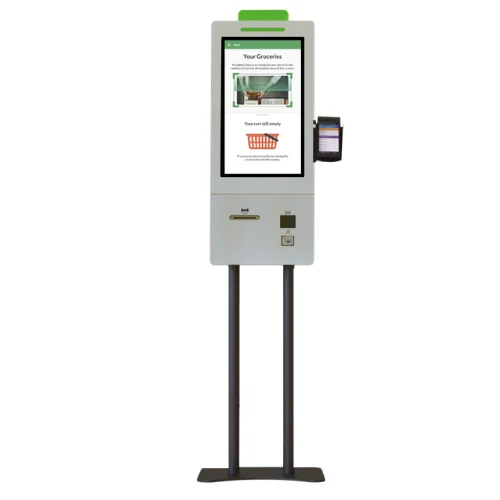
Mersin 21.5-inch
A focused view of the next step.
Present the ordering journey on a 21.5-inch portrait display. Mersin pairs a 1080 × 1920 resolution with 500 cd/m² typical brightness.
Discuss the configurationSelf-Service Kiosks
KSMA215MA
Bring self-ordering to a dedicated 21.5-inch touchpoint. Mersin combines a portrait display with 10-point capacitive touch for an ordering journey designed around your menu and service layout.
Products are supplied on a quotation basis. Share your required quantity, configuration and delivery location to request a project-specific quote.
View manufacturer specificationsA closer look
Give customers a place to browse your menu and make their selections. Mersin’s 1080 × 1920 display provides a portrait canvas for the ordering interface, with 500 cd/m² typical brightness stated in the source specification. Review the installation drawing against customer reach, available space and cable routes before finalising the system.
Mersin 21.5-inch
Present the ordering journey on a 21.5-inch portrait display. Mersin pairs a 1080 × 1920 resolution with 500 cd/m² typical brightness.
Discuss the configurationThe details that matter
Model KSMA215MA
Manufacturer-published values for this model. Confirm the final specification with your quotation.
| Model code | KSMA215MA |
|---|---|
| Display diagonal | 21.5 inch |
| Resolution | 1080 × 1920 px |
| Typical brightness | 500 cd/m² |
| Touch technology | Projected capacitive |
| Touch points | 10 points |
Two ways to approach the journey
Compare display size and brightness, then review the installation drawing for your site.
| Specification | 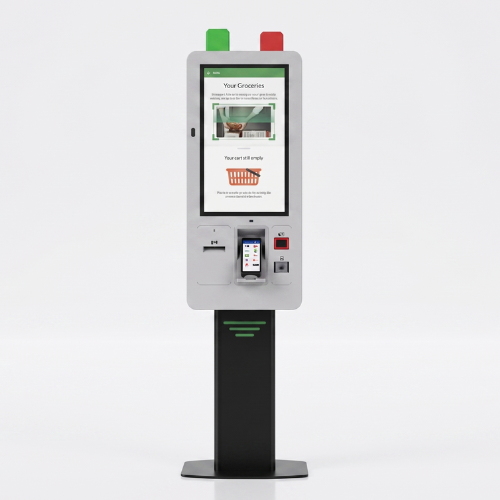 Samsun 27-inch | 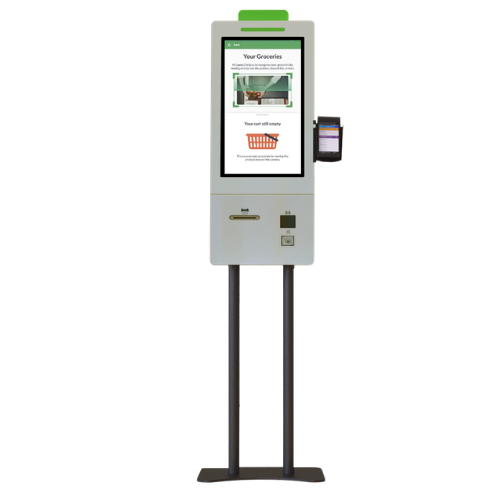 Mersin 21.5-inch |
|---|---|---|
| Model | KSSA270EA | KSMA215MA |
| Display diagonal | 27 inch | 21.5 inch |
| Resolution | 1080 × 1920 px | 1080 × 1920 px |
| Typical brightness | 300 cd/m² | 500 cd/m² |
| Touch technology | Projected capacitive | Projected capacitive |
| Touch points | 10 points | 10 points |
| Explore Samsun | Explore Mersin |
Showing all comparable values. Manufacturer-published data for these exact models.
Configuration, considered
Review the installation drawing alongside your counter layout, customer reach and cable route. Agree software and peripheral requirements before specifying the final configuration.
Discuss this configuration| Component | Decision for your project |
|---|---|
| Computer and operating system | Match the application requirements. |
| Payment terminal, printer and scanner | Agree compatibility, equipment and supply responsibility. |
| Mounting and fixing | Confirm the installation drawing and site requirements. |
| Software and licences | Identify the provider, licence and integration scope. |
| Delivery and installation | Agree the destination and responsibilities. |
Model KSMA215MA
Find the details for your specification and installation.
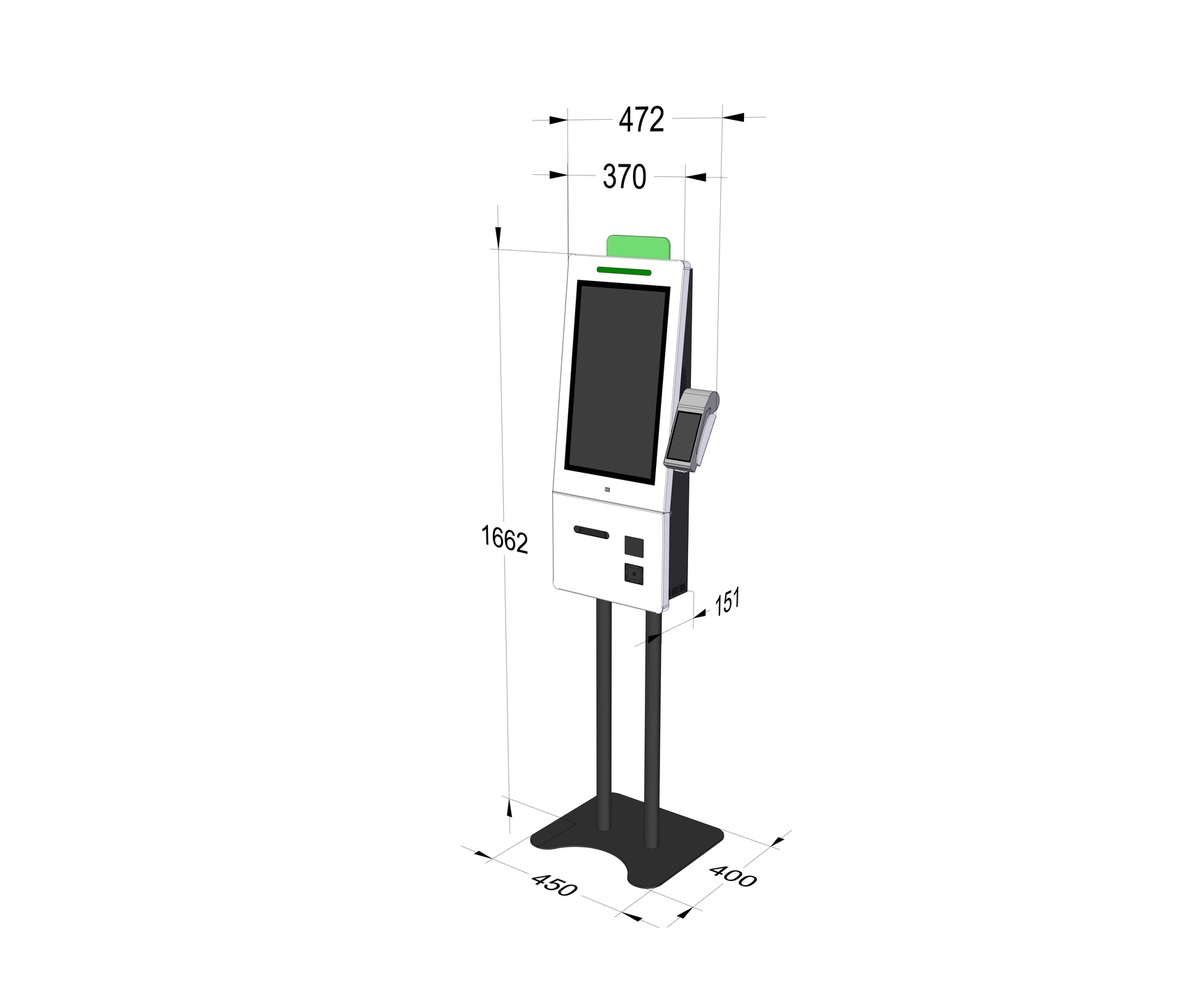
Dimensioned drawing
Plan the product position, clearances and fixing.
Model KSMA215MA
Download JPEGManufacturer original. Confirm the revision and ordered configuration before installation.
Dimensioned drawing
Source catalogue PDF page 51 (printed page 49). Refer to the left-hand 21.5-inch self-ordering configuration. The separate 24-inch illustration represents another configuration; confirm screen size against your order. Source revision is unconfirmed; obtain the approved document for your ordered configuration before installation.
Model KSMA215MA
Download PDFManufacturer catalogue extract. Source page artwork retained. Confirm the revision and ordered configuration before installation.
Choose what you need for KSMA215MA. Your model and document type will stay with your request.
Before you specify
This page describes model KSMA215MA, with a 21.5-inch display. Specifications for other sizes must be checked separately.
The included computer, software and peripherals depend on the quoted configuration. Product imagery does not establish included accessories or tested integrations.
The model-specific manufacturer dimension image is available in the downloads section above. Confirm the revision against your order before installation.
Share your quantity, site or postcode, intended use, target timing and any software or peripheral requirements. Delivery, warranty and service scope can then be agreed for the project.
Explore another self-ordering model.
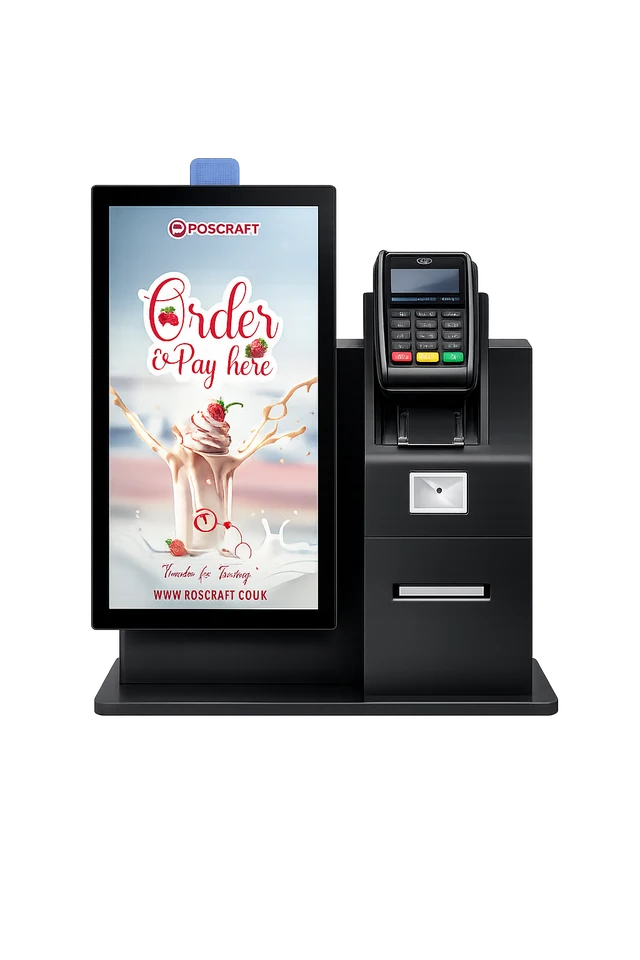
KSKB215MA · Konya 21.5-inch Self-ordering Kiosk
21.5 inch · 1080 × 1920 px
Explore product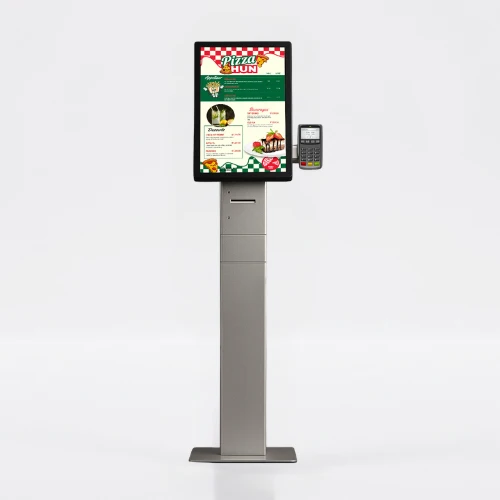
KSMA215MA · Rize 21.5-inch Self-ordering Kiosk
21.5 inch · 1080 × 1920 px
Explore product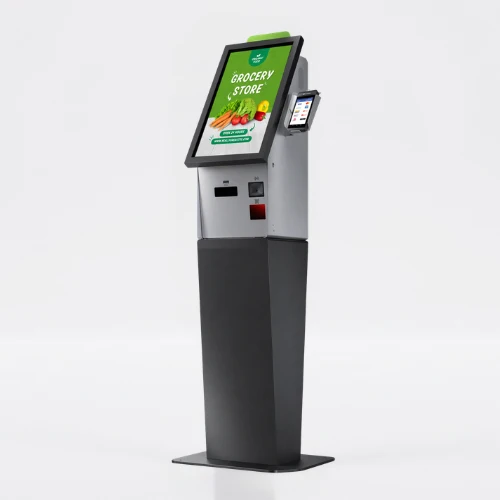
KSVA215MA · Van 21.5-inch Self-ordering Kiosk
21.5 inch · 1080 × 1920 px
Explore productA different customer journey. Review the intended use and configuration.
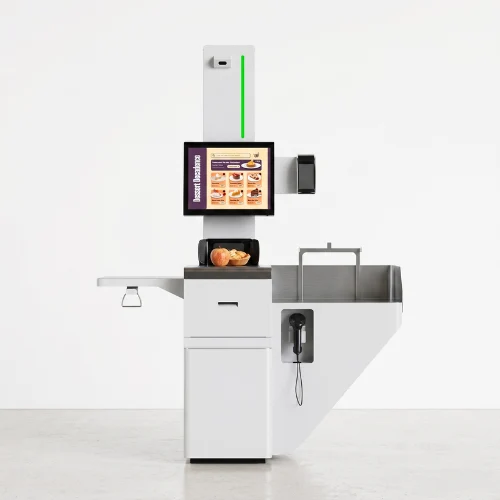
KSBA190MA
19 inch · 1280 × 1024 px
Explore product
PCAA185MA
18.5 inch · 1366 × 768 px
Explore product
PC201 18.5-inch Digital Lectern
18.5 inch · 1366 × 768 px
Explore product